• Video
  • Shop
  • Culture
  • Family
  • Wellness
  • Food
  • Living
  • Style
  • Travel
  • News
  • Book Club
  • Newsletter
  • Privacy Policy
  • Your US State Privacy Rights
  • Children's Online Privacy Policy
  • Interest-Based Ads
  • Terms of Use
  • Do Not Sell My Info
  • Contact Us
  • Recalls and Product Safety Alerts
  • © 2026 ABC News
  • News

Apple disables Group FaceTime after bug allows iPhone users to listen in before call starts
1:51
Apple FaceTime glitch raises spying concerns
Marcio Jose Sanchez/AP
ByBrad Mielke and Kelly Terez
January 29, 2019, 5:13 AM

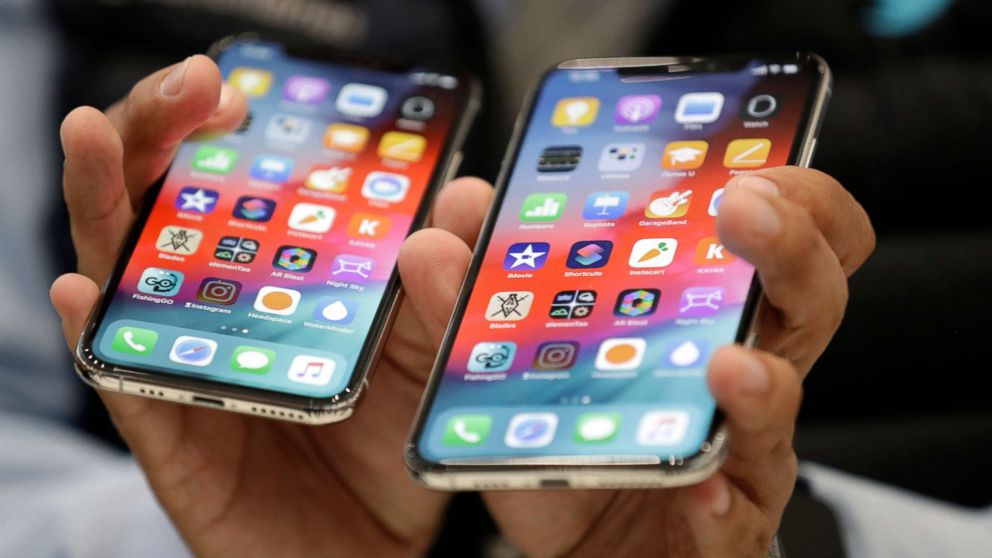
Apple has temporarily disabled its Group FaceTime app after the discovery of a bug raised privacy concerns.

Multiple tech outlets reported on Monday that iPhone users had been able to listen in on the person they were calling via FaceTime without the recipient accepting the call.

On Monday night, Apple said on its System Status page that Group FaceTime is temporarily unavailable, suggesting the feature was taken offline after the reports.

"We're aware of this issue and we have identified a fix that will be released in a software update later this week," an Apple spokesperson said in a statement to ABC News.

Related Articles

(MORE: Apple announces $1 billion campus in Texas, part of plan to create 20,000 US jobs by 2023)

Craig Federighi, Apple's senior vice president of Software Engineering, speaks about group FaceTime during an announcement of new products at the Apple Worldwide Developers Conference, June 4, 2018, in San Jose, Calif.
Marcio Jose Sanchez/AP

ABC News' "Start Here" podcast team was able to replicate the issue when Group FaceTime, which was introduced with iOS 12.1 in October, still was online.

Here's how it worked: An iPhone user would call someone using FaceTime, tap "Add Person" and add their own phone number. Without the recipient answering the phone, audio from the other user's phone then streamed to the caller.

If the recipient hit the phone's power button, thinking the call had been declined, another curious bug kicked in: The recipient's audio cut out, but the caller could suddenly monitor that person's camera.

If you're running iOS 12.1 or later and want to disable FaceTime until there's an update, go to Settings on your iPhone, tap Facetime, and toggle it off.

This story is featured on Tuesday, Jan. 29, 2019, edition of ABC News' "Start Here" podcast.

"Start Here" is the flagship daily news podcast from ABC News -- a straightforward look at the day's top stories in 20 minutes. Listen for free every weekday on Apple Podcasts, Google Podcasts, iHeartRadio, Spotify, Stitcher, TuneIn, or the ABC News app. On Amazon Echo, ask Alexa to "Play 'Start Here'" or add the "Start Here" skill to your Flash Briefing. Follow @StartHereABC on Twitter, Facebook and Instagram for exclusive content, show updates and more!


Up Next in News—

Hero teen lifeguard speaks out about viral rescue of 10-year-old boy

July 30, 2026

How Apple's new leasing program works: Details

July 29, 2026

New video released in shooting of Chiefs offensive coordinator's wife

July 29, 2026

Ex-husband testifies in trial of mom accused of killing her 3 children

July 28, 2026

Shop GMA Favorites

ABC will receive a commission for purchases made through these links.

Sponsored Content by Taboola

The latest lifestyle and entertainment news and inspiration for how to live your best life - all from Good Morning America.
  • Contests
  • Terms of Use
  • Privacy Policy
  • Do Not Sell My Info
  • Children’s Online Privacy Policy
  • Advertise with us
  • Your US State Privacy Rights
  • Interest-Based Ads
  • About Nielsen Measurement
  • Press
  • Feedback
  • Shop FAQs
  • ABC News
  • ABC
  • All Videos
  • All Topics
  • Sitemap
  • Recalls and Product Safety Alerts

© 2026 ABC News
  • Privacy Policy— 
  • Your US State Privacy Rights— 
  • Children's Online Privacy Policy— 
  • Interest-Based Ads— 
  • Terms of Use— 
  • Do Not Sell My Info— 
  • Contact Us— 
  • Recalls and Product Safety Alerts— 

© 2026 ABC News