Facebook: 5 Tips to Stay Safe on the Social Network
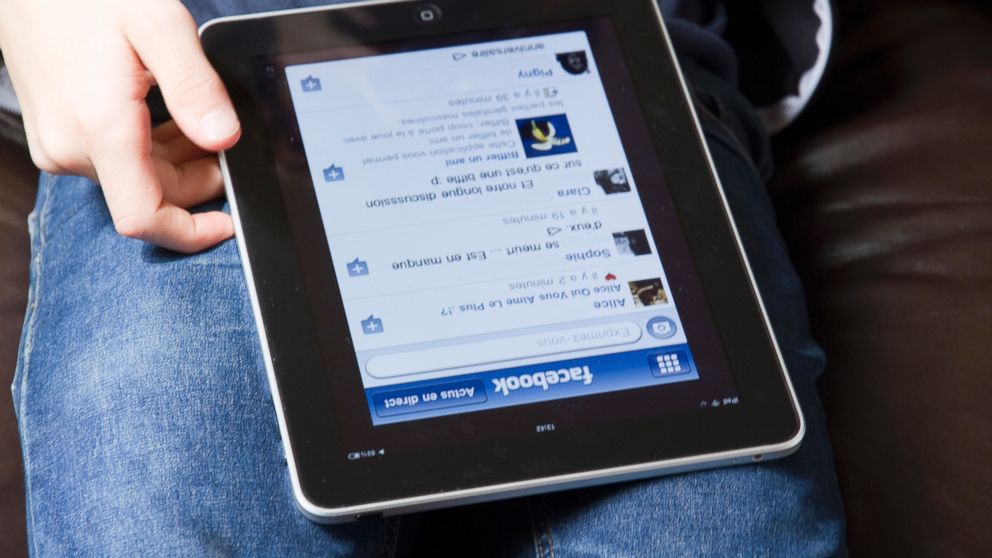
— -- It's "Data Privacy Day" and Facebook is celebrating by reminding its 1.35 billion monthly active users how to take control of their presence on the social network.
Facebook found in a survey that many people are likely to get privacy tips from their friends, Erin Egan, the social network's chief privacy officer, said in a blog post.
Break out the cake, champagne or treat of your choice to celebrate "Data Privacy Day" and run through these five quick tips from Facebook to make sure you're in control of your digital footprint.
Know Who You're Sharing With
Remember, you can tailor your audience for every post by clicking on the button next to the "post" button and choosing who can see it.
Take the Privacy Check-Up
An expanded privacy checkup tool featuring a friendly blue dinosaur is available by clicking on the padlock in the upper right corner of your Facebook page.
Once there, the dinosaur will guide you through steps to review who can see posts, which apps you use and who has access to your personal information, including your birthday and photos.
Security Features
A strong password and login, which will let you know if someone tries to log into your account from a new location, will help keep your data iron-clad.
To set up login alerts, go to "security settings," choose "login alerts" and check whether you'd like to be notified of activity via Facebook notifications, text or email. Save your changes and you're good to go.
Take Control
You have the power to untag yourself from a photo or story. Users can also block anyone who they'd rather not interact with on Facebook by going to the person's page, clicking the "..." and choosing "block."
Watch Out for Rumors
Earlier this month, a Facebook copyright hoax that gained steam in 2012 went viral again. The message claims to put copyright protections on a user's posts after they share the status update.
Here's the thing: Facebook doesn't own your posts. Under the social network's privacy policy, they have the right to distribute and share the things a user posts, subject to their privacy and application settings.
The bottom line: Be mindful of rumors.