I tried the viral Brick app-blocker for 2 weeks. It's now on sale for back-to-school
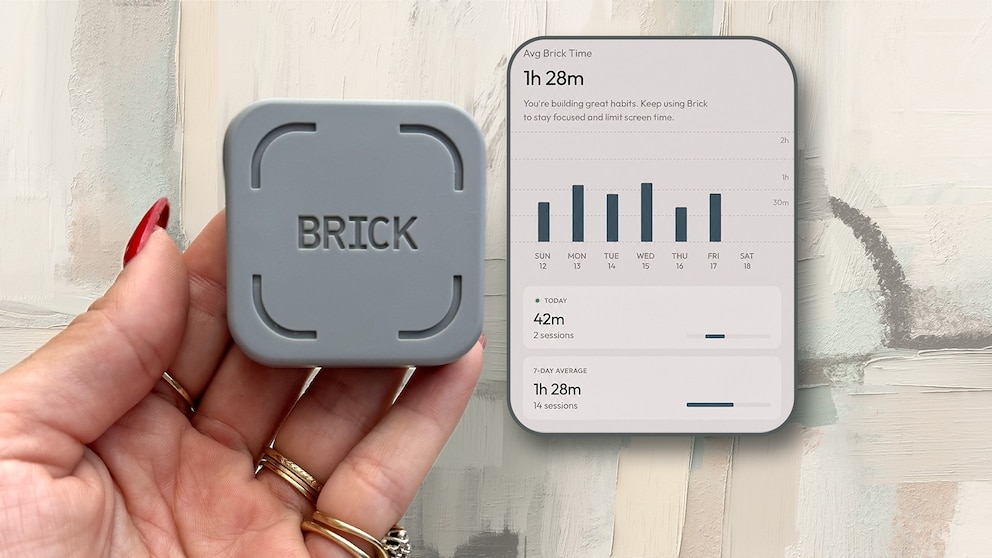
Brick is a $59, battery-free NFC puck that allows you to physically lock distracting apps on your phone until you tap your phone to it again.
I tested it for two weeks to shut off social media during work sprints and phone-free evenings. Here's why I'd recommend it.
Why I tried it
My job practically requires me to live on social media. I'm on there constantly for ideas, trends and what's happening in the world of shopping and style. This means the line between "researching for work" and "just scrolling" basically doesn't exist. I'd set focus-time limits on my phone before, and I ignored every single one of them. A little pop-up telling me my time was up was never going to out-argue my own overused thumb.
So when I kept seeing Brick everywhere, I got curious. It's a small NFC-enabled puck with no battery, no charging, just a magnet on the back that pairs with a free app. (When I saw there was no charging needed, it was music to my ears.)
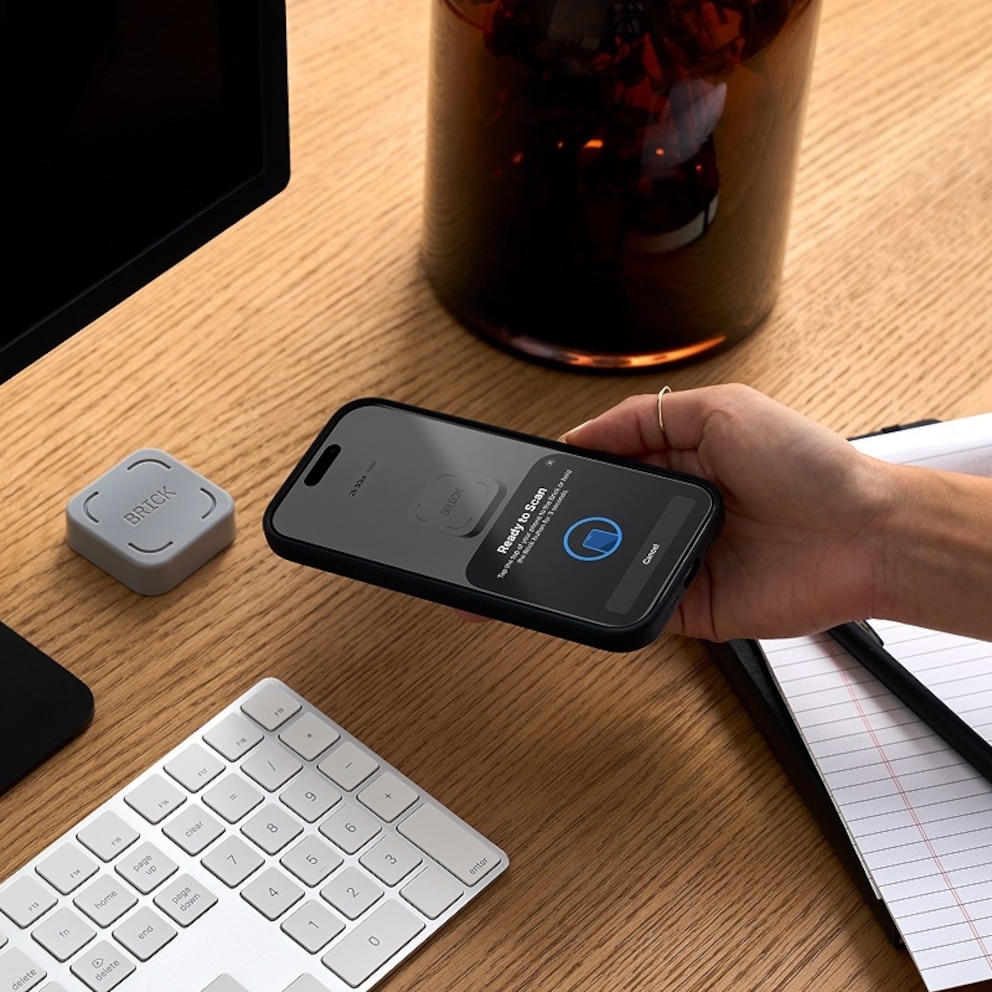
How it works: You choose which apps to lock, tap your phone to Brick to seal the deal, and you physically cannot get back into those apps until you tap Brick again. It's less an app and more an object standing between you and the habit we are all trying to break.
How I actually use it
Once I unboxed the little beauty, I kept my Brick stuck to my fridge. That placement was intentional. I knew if it lived on my nightstand, I'd just reach over and tap it, half asleep, at 11 p.m. to let myself back into Instagram. Instead, I placed it somewhere I'd have to physically get up and walk to, making the barrier real instead of theoretical.
Two places where Brick became part of my routine almost immediately:
1) Focus blocks for work
When I needed to actually sit down and write or edit instead of "researching," I'd Brick my social apps. It instantly took away the temptation to open Instagram for inspo and end up 30 minutes deep in someone else's Reels.
Since my job needs me on social media so much, this was honestly the most useful part. It lets me draw a hard line between scrolling for work and scrolling because I'm bored, which I genuinely could not do on my own before this.
The app also allows you to set schedules that Brick will automatically activate at certain times of day. You can set an end time or it will turn off when you tap.
2) Phone-free dinner and wind-down time
I started Bricking my phone before dinner and leaving it that way through the evening. It carved out actual unwinding time instead of half-watching TV while scrolling with the other hand, which, if I'm honest, is what most of my relaxing looked like before.
I only brought my Brick out of the house with me once during this two-week testing period, tossed in my bag in case I needed to un-Brick something while I was out. I didn't end up needing it, but it was nice knowing it was there.
What I like
Two weeks in, the biggest shift isn't really a screen time number, it's how my downtime feels. The work-focus blocks were great, but the real win is the in-between moments: the vegging out, the "just existing" without a phone in hand, moments I didn't realize I'd lost. I didn't realize how habitual it was for me to open social media. My mind and creativity genuinely feel a little more free. Less noise, more space to actually think instead of passively consuming.
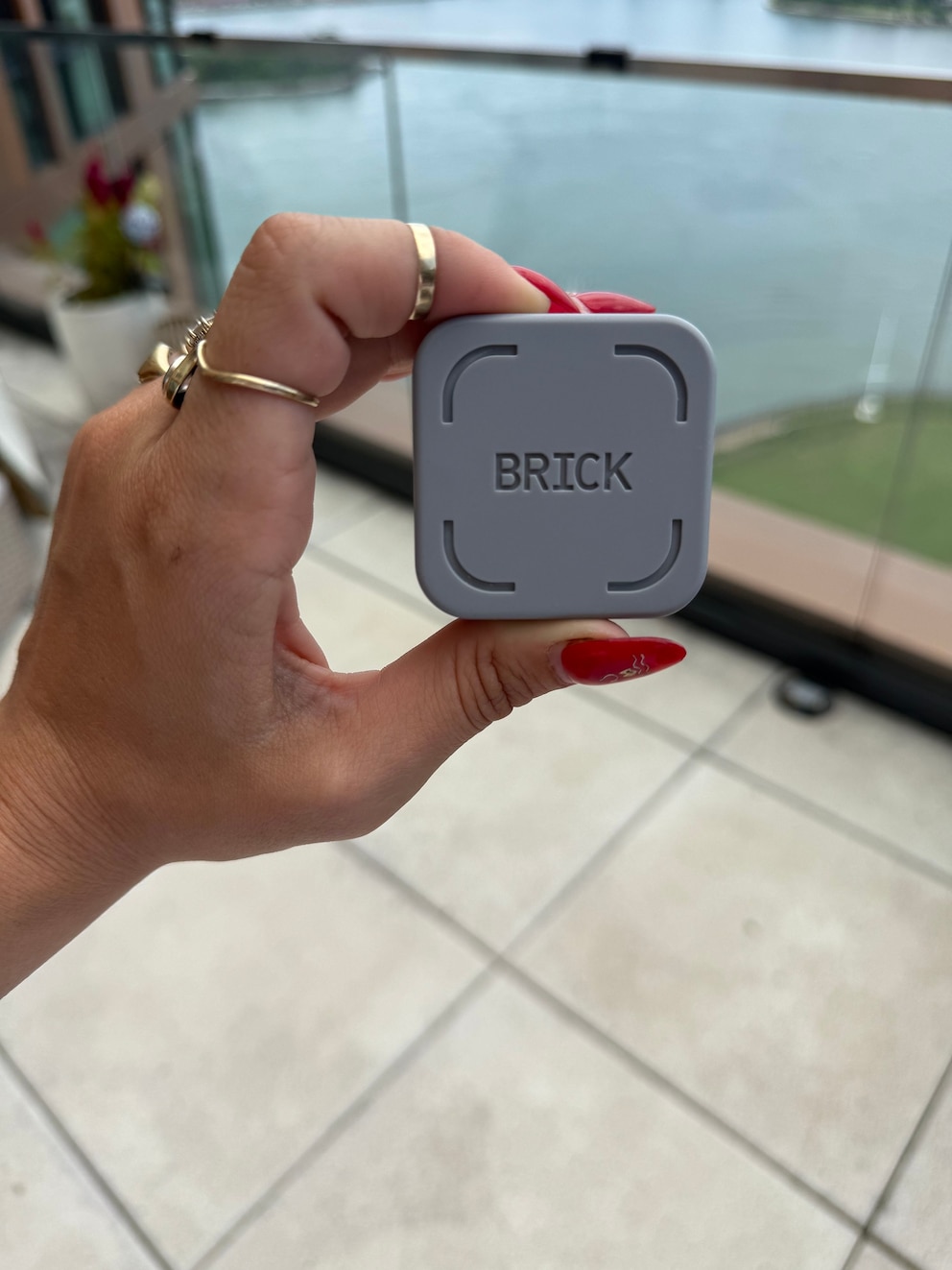
And unlike every focus app I've tried and immediately overridden, Brick doesn't give me the option to cheat my way out of it. That's the entire point, and it's the reason it has been working when nothing else did.
What to know before you buy
- It's $59 one time for the device, and the app itself is free.
- You get five emergency un-Bricks per device for genuine "I don't have the puck" moments. I never needed mine, but I liked having the safety net. Also, if for some reason you lost your Brick, this would help there.
- It doesn't touch your desktop or laptop, so if your distraction lives on a browser tab at your desk, this won't help there.
- One Brick can pair with multiple phones, so it works well if you want to share it with a partner or family. My husband has also been using my device.
- It's compatible with Android 12.0+ and iOS 16.2+.
- The brick will also only lock the apps you tell it to. You can still call or text and use the device even when it's in Brick mode.
The verdict
I 200% recommend. Two weeks in, and the biggest change isn't my screen time number, it's how much lighter my downtime feels. If your job keeps you glued to social media like mine does, or you've tried every screentime app and ignored all of them like I did, this might just be the first thing that actually works.
By clicking on these shopping links, visitors will leave ABCNews.com and GoodMorningAmerica.com, and these e-commerce sites are operated under different terms and privacy policies. ABC will receive a commission for purchases made through these links. SOME PRICES ARE DYNAMIC AND MAY CHANGE FROM THE DATE OF PUBLICATION. Have questions about ordering or a purchase? Click here.